

Selecting the appropriate trading terminal can mean the difference between success and lost opportunities in the fast-paced financial markets of today. The top professional trading terminals enable traders at all levels by combining real-time data, sophisticated charting, automated techniques, and smooth execution.
These tools, which range from flexible platforms like MetaTrader 5 to institutional behemoths like Bloomberg Terminal, offer the speed, analytics, and dependability needed to make confident, well-informed trading decisions in any market.
What is a Professional Trading Terminal?
A Professional Trading Terminal is a cutting-edge software platform made to help investors, active traders, and financial institutions execute trades, analyse markets, and effectively manage portfolios.
These terminals, in contrast to simple trading apps, offer real-time market data, sophisticated charting tools, technical indicators, and algorithmic trading capabilities, enabling users to swiftly make well-informed decisions.
They can interact with several brokers for smooth order execution and frequently support a variety of asset classes, such as stocks, FX, cryptocurrencies, and derivatives.
Professional trading terminals are crucial for traders who require accuracy, speed, and in-depth analysis in a cutthroat market since they include features like customisable dashboards, risk management tools, and news feeds.
10 Best Professional Trading Terminals (Better than TradingView) Best For
| Platform | Key Feature | Best For |
|---|---|---|
| Bloomberg Terminal | Real-time global market data, news, analytics, and messaging | Institutional traders, hedge funds, banks |
| Refinitiv Eikon | Deep multi-asset analytics, Excel integration, and news feeds | Research analysts, professional traders |
| TradeStation | Advanced charting, backtesting, and automated trading | Active traders, algo traders |
| TD Ameritrade ThinkorSwim | Customizable studies, options tools, and paper trading | Options traders, retail pros |
| eSignal | High-performance charting, Level I & II quotes, market scanners | Technical traders, market analysts |
| MetaTrader 5 | Multi-asset platform with algorithmic trading (EAs) | Forex, CFD, and algo traders |
| NinjaTrader | Strategy scripting (NinjaScript), simulation, and replay | Futures & forex traders, algo developers |
| MultiCharts | PowerLanguage scripting, multi-broker connectivity | System traders, backtesting pros |
| ProRealTime | Web-based charting with automated trading strategies | European traders, chart-focused analysts |
| cTrader | DOM (Depth of Market), fast execution, algorithmic trading | FX and CFD traders, algo developers |
1) Bloomberg Terminal
Bloomberg Terminal is the industry’s benchmark in professional trading and financial analytics. It combines real-time market analytics, news, message trading, and market execution tools for all the world’s financial markets.
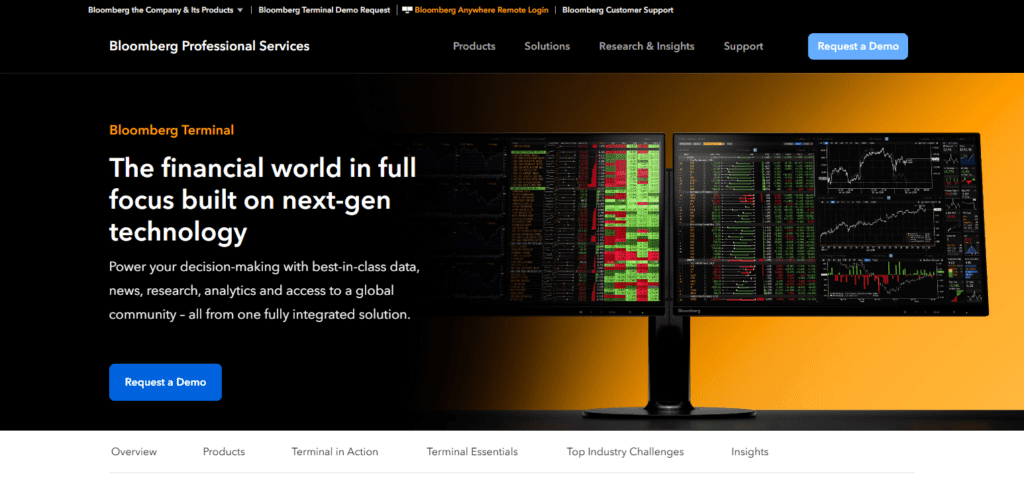
Bloomberg Terminal helps institutional traders track all asset classes, including equities, fixed income, foreign exchange, commodities, derivatives, and macroeconomic analytics.
As far fundamental and economic datasets, and most recently updated news, Bloomberg is a lot more superior for institutional traders than any trading widget, and for charting/ social trading, Bloomberg is far more superior than any trading widget by far.
Bloomberg Terminal Features
- Equities, bonds, FX, commodities, derivatives, and more, all in real time.
- Made by Bloomberg and for Bloomberg, exclusive access to the proprietary news and economic info service.
- Measurable data and finance modeling, along with predictions, analytics, and financial charts.
- A set of tailored collaboration and communication instruments for institutional traders.
- Tools for risk assessment and management, as well as portfolio oversight.
- Unified trading execution.
- Personalized dashboards with custom alerts to provide the best possible experience.
| ✔️ Pros | ❌ Cons |
|---|---|
| ✔️ Unmatched global real‑time market data and news feeds | ❌ Very high subscription cost |
| ✔️ Integrated analytics, risk tools, portfolio monitoring | ❌ Steep learning curve for new users |
| ✔️ Institutional research, messaging, execution in one platform | ❌ Not designed for casual/retail traders |
2) Refinitiv Eikon
With Refinitiv Eikon, formerly known as Eikon Reuters, captures the most recent data in the fields of assets, stocks, bonds, derivatives and foreign currency and offers analytics, customizable dashboards, and real-time news.
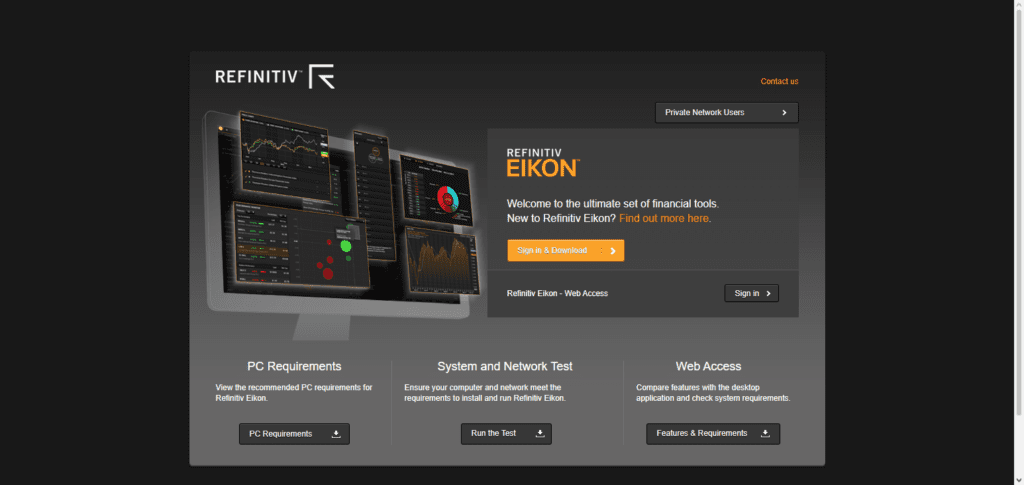
It is the most modern interface for data and analytics. Eikon offers in depth analytics in derivatives and fixed income is outstanding and unrivaled in the sector, thus, making it very profitable amongst the stock analysts, and, institutional traders.
Unlike TradingView, which is primarily about charting and community scripts, Eikon focuses more on enterprise-level news, fundamentals, and customizable views that support analysis and execution for multi-asset strategies.
Refinitiv Eikon Features
- Real-time multi-asset market data (stocks, bonds, FX, and derivatives).
- Integrated Reuters news feed.
- Advanced analytics and charting.
- Portfolio risk management and tracking.
- Historical fundamental data available for research.
| ✔️ Pros | ❌ Cons |
|---|---|
| ✔️ Comprehensive multi‑asset market coverage | ❌ Expensive for individual traders |
| ✔️ Reuters real‑time news and custom dashboards | ❌ Complex interface for beginners |
| ✔️ API access for data integration and automation | ❌ Requires training/time to master |
3) TradeStation
A strong and effective multi-asset trading and analysis platform is TradeStation, which focuses on advanced charting, customizable workflows, and strategy automation. It provides access to stock, futures, options, etc. markets, and includes high-speed execution, robust market scanners (RadarScreen, scanners, hotlists) and historical data for backtesting.
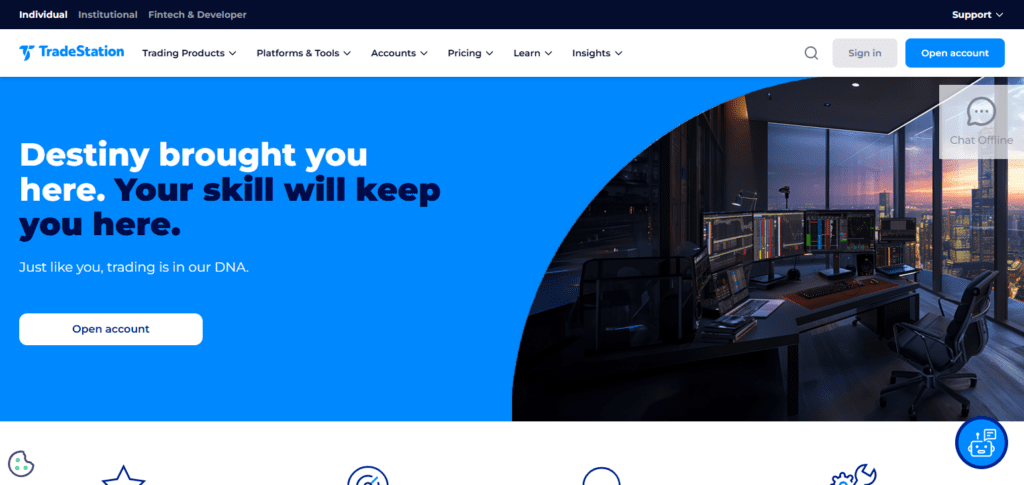
Traders can use its proprietary scripting language, EasyLanguage, to create personalized indicators and automated systems – a professional attribute that TradeStation includes and basic tools such as TradingView do not.
While TradingView is most useful in community-driven ideas, TradeStation is more effective for active and systematic traders because it has integrated execution, deep analytics, and provides real execution, customization, and tools that are advanced.
TradeStation Features
- A wealth of historical data and the ability to backtest.
- Support for trading in futures and options.
- Professional-style configurable dashboards tailored for your workflows.
- Scanning tools for the markets, such as RadarScreen.
- Advanced charting features with hundreds of available indicators.
- Direct access to the markets and quick order execution.
| ✔️ Pros | ❌ Cons |
|---|---|
| ✔️ Fast direct market execution and data feeds | ❌ Advanced setup can be complicated |
| ✔️ EasyLanguage for custom strategies and automation | ❌ Platform feels heavy for casual traders |
| ✔️ Powerful scanners, backtesting & analytics | ❌ Charting UI less modern than some rivals |
4) TD Ameritrade Thinkorswim
Thinkorswim is a more inclusive trading platform from TD Ameritrade (which is now part of Charles Schwab) that integrates advanced charting with professional tools for stocks, options, futures, and forex.
It is inclusive of extensive drawing sets, technical studies, and a powerful options analytics suite, and includes a professional tool for paper trading.

It provides a lot of customization, which is optimal for a high-tech setup, and advanced risk simulation, which is an addition to TradingView’s chart viewer.
Since traders can assess and finalize transactions in one location due to brokerage execution, Thinkorswim-integrated trading provides trading multitasking via execution research brokerage split environment customizing via thinkScript editing research to execution environment
Brokerage TradingView execution research multi-timeframe differentiated TradingView TradingView trading brokerage research split execution analytics environment.
TD Ameritrade Thinkorswim
- Options analytics along with probability analysis and strategy visualization.
- For practice and testing, there is paper trading.
- Custom indicators and alerts via thinkScript.
- Integrated account management and execution.
- Scanning and charting tools for multiple time frames.
| ✔️ Pros | ❌ Cons |
|---|---|
| ✔️ Excellent options analysis and multi‑asset tools | ❌ Complex tools can overwhelm beginners |
| ✔️ thinkScript for custom indicators and studies | ❌ Execution limited to TD Ameritrade accounts |
| ✔️ Paper trading and risk simulation included | ❌ Resource‑intensive on older computers |
5) eSignal
eSignal provides advanced trading tools and features to help traders assess and finalize transactions in one location due to brokerage execution, Thinkorswim-integrated trading provides trading multitasking via execution research brokerage split environment customizing via thinkScript.
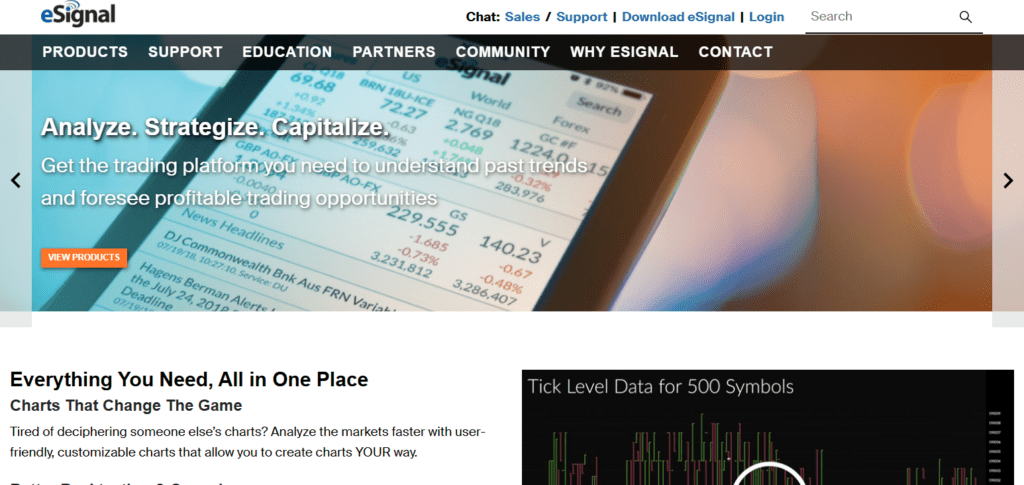
eSignal enhances its analysis and data performance metrics as part of its analytics offering. eSignal’s analytics, execution stratification, and technological enhancements are all dependably advanced.
TradingView analytics depend data, execution retail eSignal enhances advanced retail analytics execution grading to advanced retail execution grading.
eSignal Features
- Real-time market data and tick feeds of high quality.
- Hundreds of indicators built into advanced charting.
- Custom indicators and alerts via EFS scripting.
- Watchlists and market scanning.
- Simulation of strategy and backtesting.
| ✔️ Pros | ❌ Cons |
|---|---|
| ✔️ High‑quality real‑time market and tick data | ❌ Premium data feeds cost extra |
| ✔️ Advanced charting with many built‑in studies | ❌ Learning curve for custom scripting |
| ✔️ Custom scripting (EFS) and market scanning tools | ❌ Less intuitive UI vs popular retail tools |
6) MetaTrader 5 (MT5)
Across its sophisticated charting features and over 21 available timeframes for analytics, automated trading on MetaTrader 5 also supports large-scale implementation of trading via Guide automated trading structures and integrated trading tools.
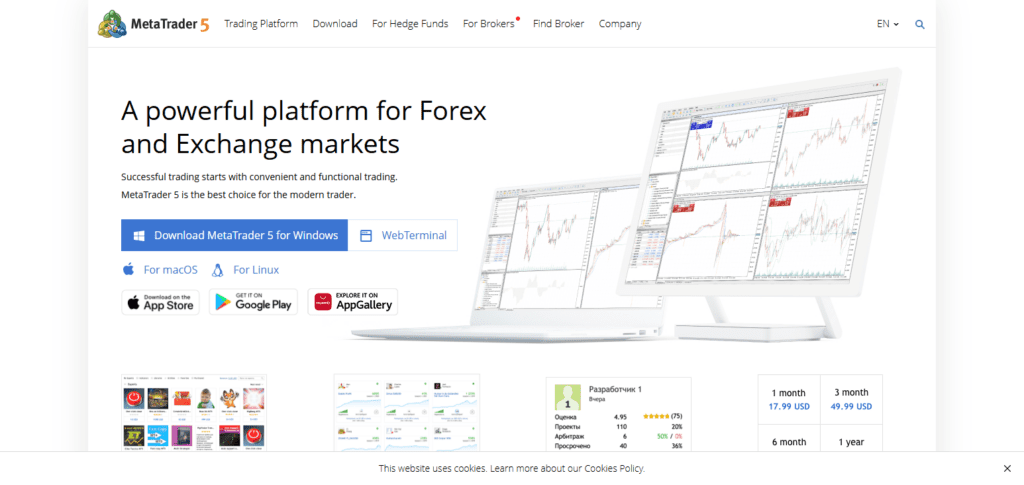
TradingView has great charting and community-based scripting, but MT5 is better for “algorithm and strategy-driven trading” because it has integrated automation and direct broker execution.
Also, the global marketplace that MT5 has for EAs and indicators gives it strong ecosystem support for professional traders.
MetaTrader 5 (MT5) Features
- Support for multiple assets (forex, stocks, CFDs).
- Expert Advisors (EAs) for automated trading.
- Custom scripts with the MQL5 programming language.
- For backtesting and optimization, there is a strategy tester.
- More than 21 timeframes and various types of charts.
| ✔️ Pros | ❌ Cons |
|---|---|
| ✔️ Automated trading via Expert Advisors (EAs) | ❌ User interface feels outdated |
| ✔️ Multi‑timeframe charting & advanced tests | ❌ Best suited for forex/CFDs, not equities |
| ✔️ Large community and marketplace ecosystem | ❌ Basic native news and analytics |
7. NinjaTrader
NinjaTrader is one of the most established professional trading platforms focusing on futures and sophisticated order execution. It has real-time market data, customizable charts, and a strategy-building environment via NinjaScript (C#) that is fully integrated.
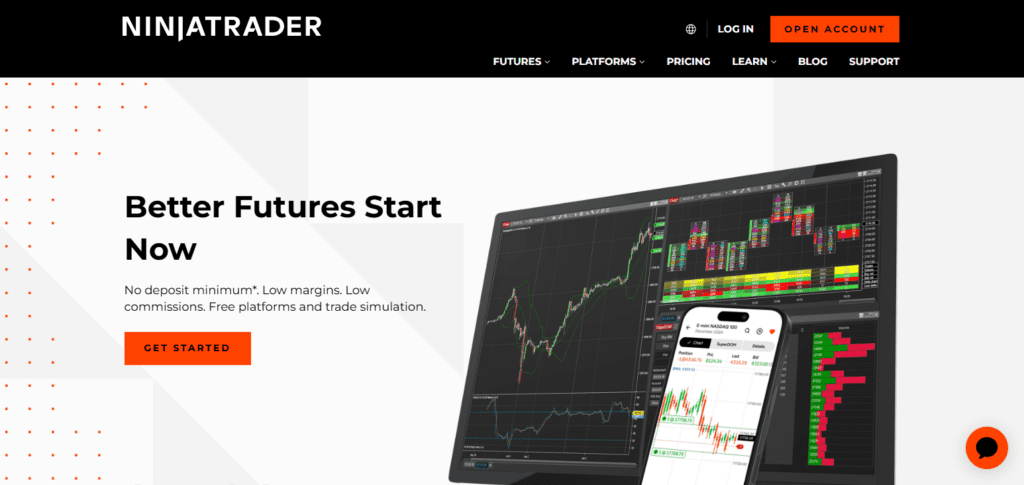
It has tools for backtesting, optimization, and market replay to refine strategies. Compared to TradingView, which is mostly analysis and alerts, NinjaTrader brings together execution, automation, and extensive customization and is more suitable for strategy and high-frequency traders.
It is also popular among professional futures and systematic traders because of its strong third-party add-on support and institutional capabilities.
NinjaTrader Features
- Tools for advanced market analysis and charting.
- Development of strategies using NinjaScript (C#).
- Automated trading with historical data backtesting.
- Simulation and market replay.
- Alerts and real-time market data.
- Support for trading in forex and futures.
| ✔️ Pros | ❌ Cons |
|---|---|
| ✔️ Excellent for futures and algorithmic strategies | ❌ Full features require paid license |
| ✔️ NinjaScript (C#) for deep customization | ❌ Steeper learning curve for scripting |
| ✔️ Market replay and strategy backtesting | ❌ Setup and data feeds require configuration |
8. MultiCharts
MultiCharts is a professional trading and analysis platform that offers electronic trading with advanced charting, automation using PowerLanguage (and EasyLanguage) scripting, and multiple data feeds and broker connections. It has real-time market scanners and lets traders research and execute in the same environment.
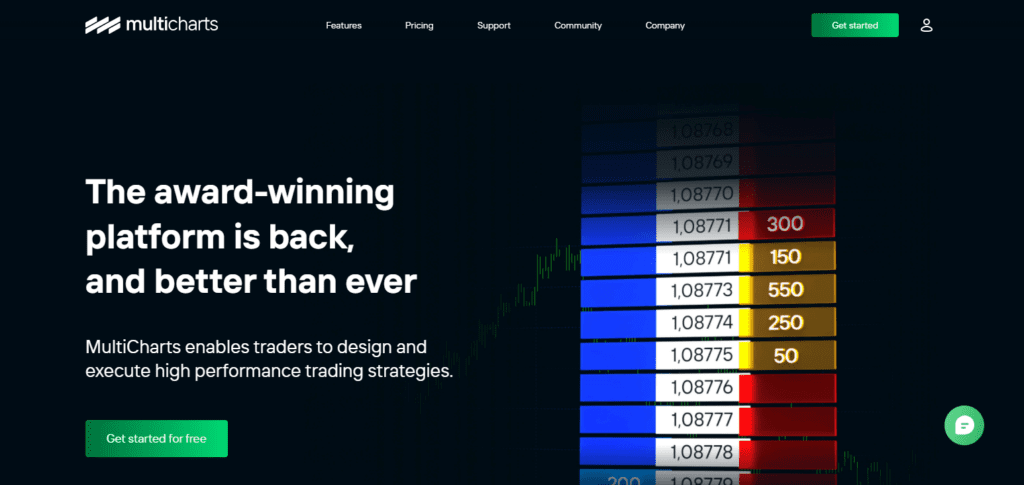
In contrast to TradingView’s cloud charts and social scripts, MultiCharts focuses on integrated execution, detailed backtesting, and strategy automation across multiple financial instruments.
Market data streaming partnerships, robust market scanners, and customizable workspaces equip professional traders the tools to track complex strategies and take informed actions in real market conditions.
MultiCharts Features
- Tools for Portfolio backtesting and optimization.
- Scanners and tools for watching the market.
- Interface and layouts that can be customized.
- Reporting and analytics for strategies.
- Support for multiple instruments and multiple timeframes.
| ✔️ Pros | ❌ Cons |
|---|---|
| ✔️ Multi‑broker and multi‑feed flexibility | ❌ Can be resource heavy on older systems |
| ✔️ Portfolio backtesting and optimization | ❌ Interface not as sleek as some competitors |
| ✔️ EasyLanguage compatibility | ❌ Less social/community support than popular platforms |
9) ProRealTime
Real time market data, automatic trade execution, and no-code automation are paralleled with advanced charting, technical analysis and even custom technical analysis with ProScreener for advanced market scans, at ProRealTime.
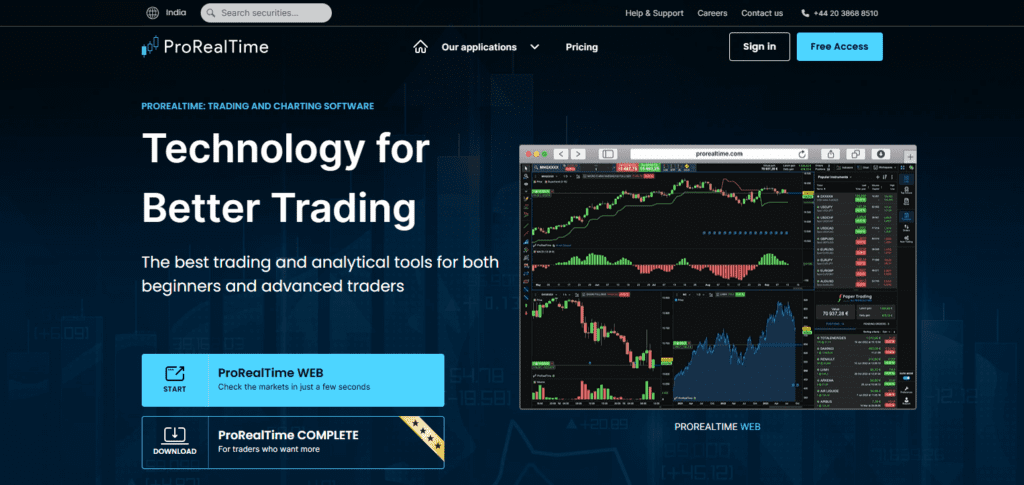
Market data scrobbled from multiple exchanges leads to real-time charting and analysis. Compared to TradingView, ProRealTime brings more advanced charting, integrated chart trading, and real-time market analysis tools along with deeper market analysis making ProRealTime more suitable for serious traders.
ProRealTime Features
- Tools for interactive charting of high quality.
- No-code automated trading system development.
- ProScreener for advanced scanning.
- From exchanges, you can receive real-time market data.
- You can set alerts and receive notifications for trading.
- Orders can be integrated and placed directly from the charts.
| ✔️ Pros | ❌ Cons |
|---|---|
| ✔️ High‑quality interactive charting tools | ❌ Free version has delayed data |
| ✔️ Powerful ProScreener scanning tool | ❌ Less ideal for heavy derivatives trading |
| ✔️ Built‑in automated trading features | ❌ Smaller ecosystem than large platforms |
10) cTrader
cTrader’s modern multi-asset trading platform accessibility is most favored for margin trading in forex and CFDs, algorithmic trading (cTrader Automate) with C# and Python, Level II pricing, and fast trade execution. It also supports chart-based trade execution with features for advanced charting and one-click trading.
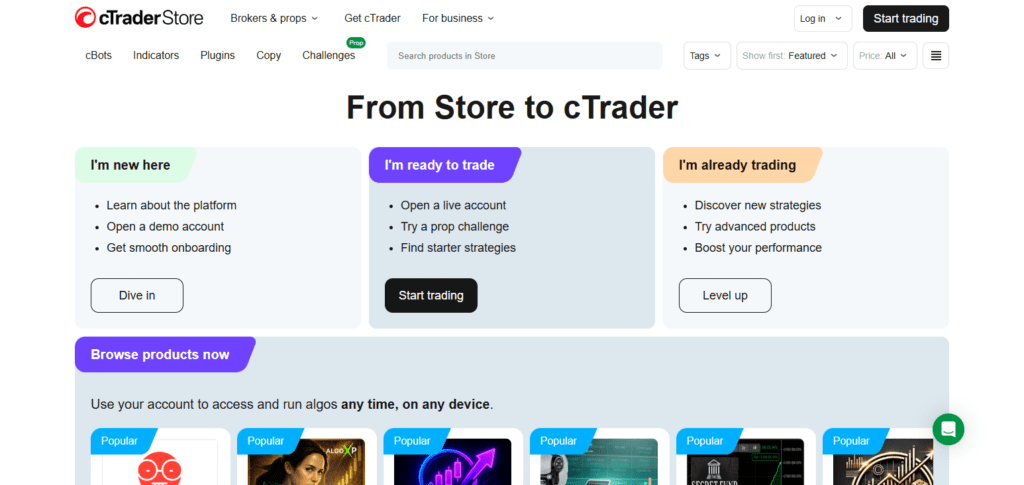
Even though TradingView stands out in cloud-based charting and social functionality, cTrader offers professionals seamless integration of execution, order book depth, and automation tools for developers for a more direct trading experience. cTrader’s UI and execution speed are great for scalpers and seasoned FX traders.
cTrader Features
- Level II market depth for fast execution.
- cTrader Automate (C# & Python) for algorithmic trading.
- One-click trading from charts.
- Trading and charting with advanced indicators.
- No Dealing Desk (NDD) execution model.
- Tools for risk management, such as trailing stop loss
| ✔️ Pros | ❌ Cons |
|---|---|
| ✔️ Fast execution with transparent Level II pricing | ❌ Smaller marketplace compared to MetaTrader |
| ✔️ Algorithmic trading in C# & Python | ❌ Mainly focused on forex/CFDs |
| ✔️ Clean, modern user interface | ❌ Limited equity trading support |
How to Choose the Best Trading Terminal for You
User Interface & Ease of Use – Use a terminal that has a customizable layout and allows for easy and speedy navigation to avoid getting lost.
Market Access & Asset Coverage – Ensure that the terminal covers all markets and all asset classes including stocks, forex, crypto and derivatives for maximum trading potential.
Real-Time Data & Speed – Choose a terminal with quick and reliable, real-time data to take advantage of potential trading opportunities before other traders.
Charting & Analysis Tools – Search for a terminal that has charting tools and features that complement your trading style and strategy.
Broker & Exchange Integration – Make sure that the terminal integrates with your favorite brokers and exchanges to streamline the trading and portfolio management process.
Risk Management Features – Use a platform that has tools such as margin alerts and stop losses to help you avoid excessive losses and keep your trading under control.
Automation & Algorithmic Trading – Choose a platform that allows for the use of automated trading so that you can trade in a convenient and systematic manner if you desire.
Cost & Subscription Plans – Analyze subscription-based pricing structures. Analyze commissions, subscription-based fees, and other concealed costs. Make certain that offers are within your budget and that you are not sacrificing essential features.
Security & Reliability – Look for strong encryption, two-factor authentication, and other features that demonstrate strong and stable systems that protect your funds and your trading data.
Customer Support & Community – Select terminals that have responsive customer support and that have communities of users, so that there is help, support, updates, and trading tips available.
Conclusion
The best professional trading terminal for you takes into consideration certain personal elements such as your trading style, area of focus, and individual requirements in terms of technology and data.
Bloomberg and Refinitiv Eikon are excellent for institutional level traders. They provide real-time data and analytics. For active retail traders, TradeStation and TD Ameritrade’s Thinkorswim are great as they provide advanced charting options, analysis, and automation.
MetaTrader 5, NinjaTrader, MultiCharts, and cTrader provide excellent services to algorithm and forex traders, with automated trading and multi-timeframe analysis. Low-latency execution services are also offered.
ProRealTime and ESignal are excellent for those who focus on high quality data, advanced charting, and powerful scanning. A good terminal is one that is fast and preloaded with reliable data while offering customized options to suit your trading goals.
FAQ
A professional trading terminal is advanced software used by traders and institutions to access real-time market data, execute trades, analyze charts, automate strategies, and manage portfolios efficiently. It provides features beyond basic retail trading apps.
For beginners, TD Ameritrade Thinkorswim and MetaTrader 5 are user-friendly, offering paper trading, tutorials, and community support while still providing advanced features as you grow.
Bloomberg Terminal and Refinitiv Eikon are ideal for institutional use due to their global market coverage, real-time analytics, news feeds, and portfolio management tools.
MetaTrader 5, NinjaTrader, MultiCharts, and cTrader are excellent for algorithmic and automated trading. They support custom scripts, backtesting, and multi-timeframe strategy execution.
Platforms like Bloomberg Terminal and Refinitiv Eikon are costly and mainly suited for institutions. TradeStation, Thinkorswim, and MT5 have affordable options for individual traders.