

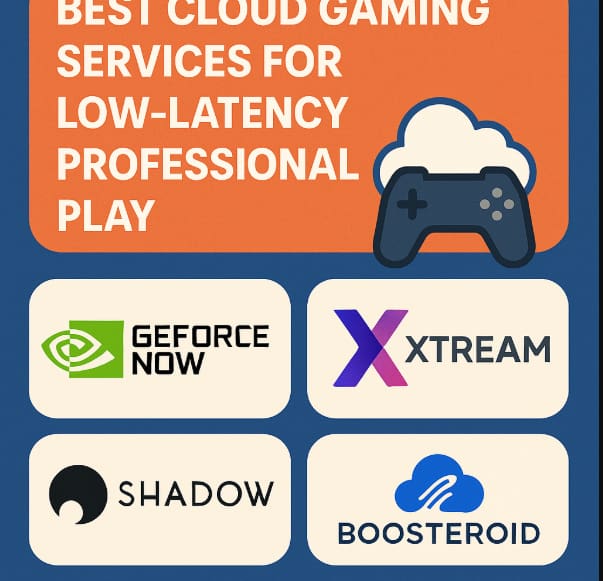
Milliseconds are important in competitive gaming. Professional gamers can stream high-performance games quickly without the need for pricey hardware thanks to Best Cloud Gaming Services for Low-Latency Professional Play.
Top cloud platforms provide near-native responsiveness for FPS, MOBA, and esports games with robust remote servers, optimal streaming, and wide device support.
The top cloud gaming services for professional play are examined in this guide, assisting players in achieving optimal performance at any time and from any location.
What Is Cloud Gaming?
Cloud gaming allows users to play on less powerful devices as the video game runs on a remote server instead of the local device. Think of it like Netflix for video games. Using a keyboard, mouse, or controller, inputs are sent to the server, allowing you to play as if the game was on the local device.
Games can be accessed instantly, expensive hardware isn’t needed, and high-end performance can be obtained even on low devices. On the contrary, for competitive gaming, a server, internet speed, and stability are all crucial elements for quality.
10 Best Cloud Gaming Services for Low-Latency Professional Play
| Cloud Gaming Service | Key Strength | Why It’s Good for Low-Latency Pro Play |
|---|---|---|
| NVIDIA GeForce NOW | RTX-powered servers | Ultra-low input lag, high FPS (up to 240), closest to native PC gaming |
| Xbox Cloud Gaming | Azure global infrastructure | Stable latency, strong server coverage, optimized for controllers |
| Amazon Luna | AWS edge servers | Consistent performance and reduced ping in supported regions |
| Boosteroid | AV1 streaming codec | Efficient compression lowers latency and bandwidth usage |
| PlayStation Cloud Streaming | Sony-optimized servers | Smooth response for PlayStation exclusives and competitive titles |
| Shadow PC | Full cloud PC | Complete hardware control enables ultra-low latency setups |
| Parsec | High-performance remote streaming | Industry-leading low latency, widely used in esports and studios |
| AirGPU | High-end virtual GPUs | Powerful cloud rigs with fast response for competitive gaming |
| Blacknut | Wide device support | Reliable streaming with consistent latency across platforms |
| Antstream Arcade | Optimized retro streaming | Extremely stable, low-lag gameplay for classic competitive titles |
1. NVIDIA GeForce NOW
NVIDIA GeForce NOW is at the forefront of the cloud gaming industry. It delivers high-end gaming for PCs and uses NVIDIA GeForce cloud GPUs. Recently, these GPUs have been upgraded to the Blackwell based servers, which provides ultra-low latency and high frame rates.
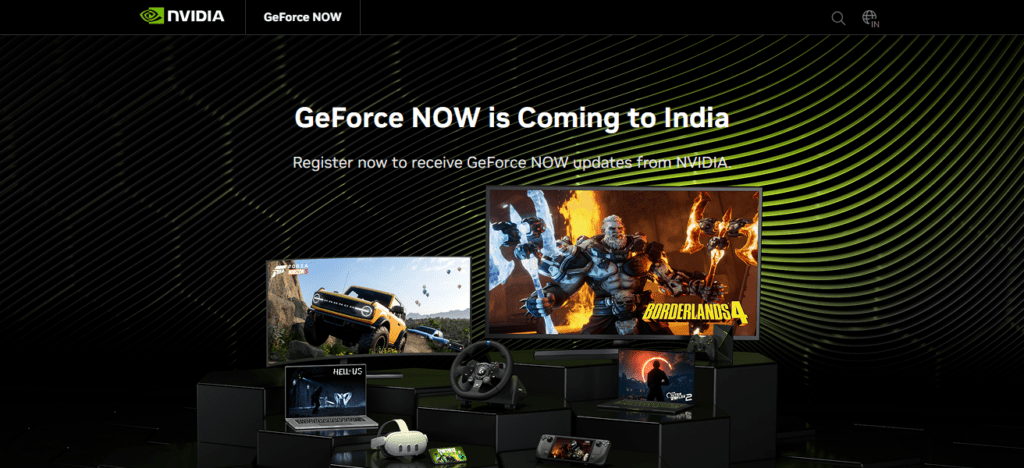
You have the ability to play more than 4,500 games by connecting your profiles (Steam, Epic Games Store, Ubisoft Connect, and Xbox PC Game Pass) including titles like Cyberpunk 2077 and Fortnite.
GeForce NOW is available on Windows, macOS, Linux and Android, iOS (Browser), Chromebooks, smart TVs, and streaming devices. GeForce NOW’s “Install-to-Play” system allows pro players to use more than one device without needing to own the games locally.
NVIDIA GeForce NOW Key Features
- RTX-class streaming cloud GPUs with hardware ray tracing.
- Streams 1000+ games from your libraries (Steam, Epic, Ubisoft) & 3rd party providers.
- Adjustable performance tiers (including high refresh rates).
Main Highlights
- Ultra-low latency streaming with high refresh rate.
- Broad device compatibility (Windows, macOS, Linux, iOS/Android, smart TVs).
- Games purchased with personal libraries are stored in the cloud.
NVIDIA GeForce NOW
| Pros | Cons |
|---|---|
| Ultra-low latency with powerful RTX GPUs | Free tier can be limited by session time caps |
| Works with games you already own | Performance varies by tier (priority needed for best experience) |
| Wide device support (PC/Mac/Android/iOS/TV) | Some publishers restrict cloud play |
| High-FPS and ray tracing support | Requires good internet (25+ Mbps recommended) |
2. Xbox Cloud Gaming
Xbox Cloud Gaming (available through Xbox Game Pass) allows you to stream hundreds of games (Console + PC) from Xbox’s servers to your chosen device.
Included with Game Pass (Essential, Premium, or Ultimate), it offers a wide collection of games that gets updated frequently and includes AAA and indie games that you can play on Windows PCs and laptops, macOS, Android phones/tablets, iOS/iPad via browser, Chromebooks, select smart TVs (LG or Samsung), Amazon Fire TV, and handheld gaming consoles.
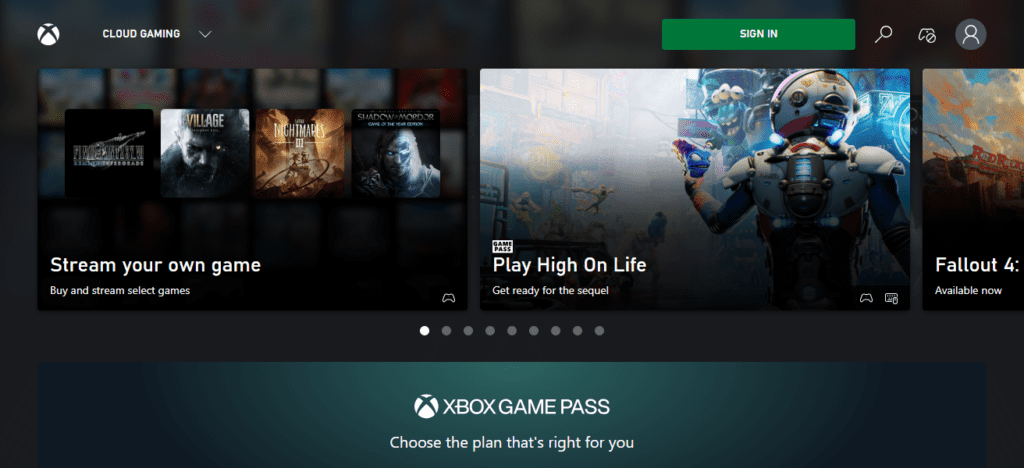
Your Game Pass collection updates on all of your devices, and your progress on games is saved on the cloud. Thanks to global infrastructure from Azure, it has low latency on a variety of games, including Halo Infinite and Forza Horizon 5. It is perfect for professional gaming on multiple devices.
Xbox Cloud Gaming Key Features
- Came with the subscription of Xbox Game Pass Ultimate.
- First party exclusives + large game catalog.
- Cross-play & cross save capabilities.
Main Highlights
- Global Coverage with reliable servers via Azure.
- Cross-platform streaming support (PC, mobiles, tablets, smart TVs).
- Automatic updates + Cloud progress saves.
Xbox Cloud Gaming
| Pros | Cons |
|---|---|
| Huge library via Xbox Game Pass | Some AAA titles may be delayed to cloud |
| Strong server infrastructure | Lower max FPS on some devices |
| Cross-save with Xbox ecosystem | Subscription required for best experience |
| Works on phones, tablets, PCs, smart TVs | Browser-based on iOS limits app features |
3. Amazon Luna
Amazon Luna is a flexible gaming cloud service from Amazon that allows game streaming from various “channels”, including Luna+ and Ubisoft+, on multiple devices. The service is compatible with Windows, macOS, Android, iOS/iPad via web app, ChromeOS, Amazon Fire TV devices, and some Samsung and LG smart TVs.
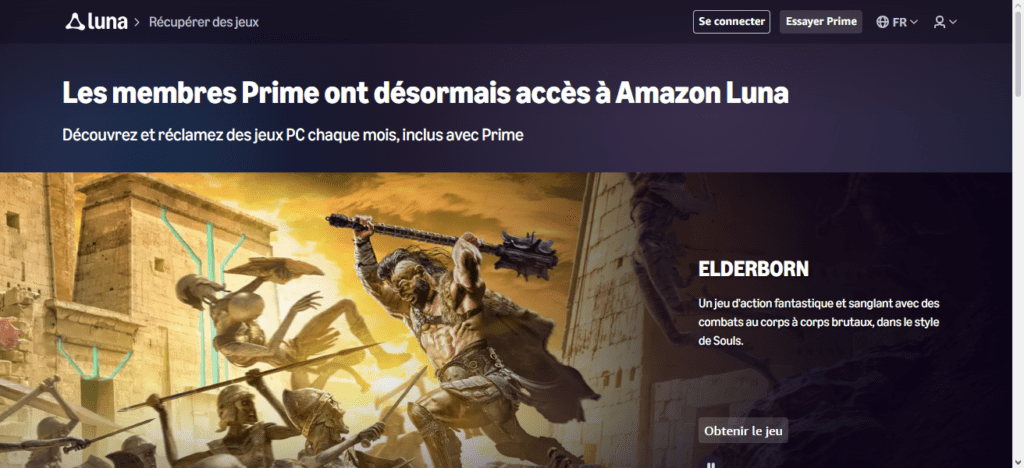
Ubisoft+ adds notable Ubisoft franchises, while the Luna+ channel has a smaller curated selection that includes both AAA and indie games.
Although its game selection is not as extensive as its competitors, there is a seamless integration with Twitch, and for many of the games, it offers low latency cloud streaming at 1080p and 60 FPS. This service is ideal for gamers who use many Amazon products.
Amazon Luna Key Features
- Channel-based library (such as Luna+ Ubisoft +).
- Twitch integration.
- Remote play/Cloud saves.
Main Highlights
- 1080p 60 FPS streaming with no lag.
- Compatibility with Fire TV, PCs, mobile devices, and smart TVs.
- Subscription flexibility.
Amazon Luna
| Pros | Cons |
|---|---|
| Channel-based flexibility | Smaller library than some competitors |
| Twitch integration | Not available in all regions |
| Works on many devices | Some games behind extra channel paywalls |
| Cloud saves & profiles | Latency varies by server location |
4. Boosteroid
You can play many AAA titles without owning powerful local hardware thanks to Boosteroid. It supports streaming games you own on Epic Games Store and Steam. Boosteroid can be used on Windows, Mac, Linux, Android, Chromebooks, smart TVs, and even through web browsers.
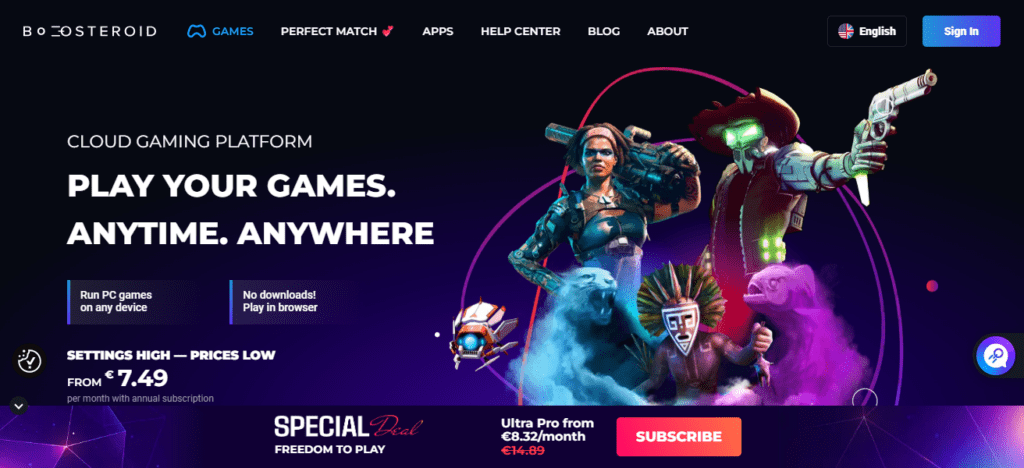
The Boosteroid subscription includes the entire game library which is available to all users. The service uses adaptive streaming to reduce lag and latency resulting in smooth gameplay.
It is perfect for competitive gamers as the service offers extensive device flexible cloud gaming which allows gamers to access their personal game libraries anywhere.
Boosteroid Key Features
- Game streaming for already owned titles (Steam, Epic, etc.)
- AV1 Codec for better streaming performance
- Client device needs minimal hardware
Main Highlights
- Stream from any device (PC, mobile, smart TV, Chromebook)
- Adaptive streaming tech = minimal latency
- Play instantly, no downloads
Boosteroid
| Pros | Cons |
|---|---|
| Streams your own PC library | Must own games on supported platforms |
| AV1 codec reduces bandwidth | UI isn’t as polished as big competitors |
| Works on smart TVs and mobiles | Gaming catalog dependent on user library |
| No local installs | Occasional frame drops on low bandwidth |
5. PlayStation Cloud Streaming
You can play Cloud Streaming games through PlayStation Plus Premium. PlayStation Cloud Streaming lets you play hundreds of PS5 and PS4 games on supported devices without needing to download the games.
PlayStation has primarily focused on consoles until now, but it is now also streaming to PlayStation Portal handhelds and web supported devices. You can now play exclusive titles like God of War Ragnarök and the Horizon series.
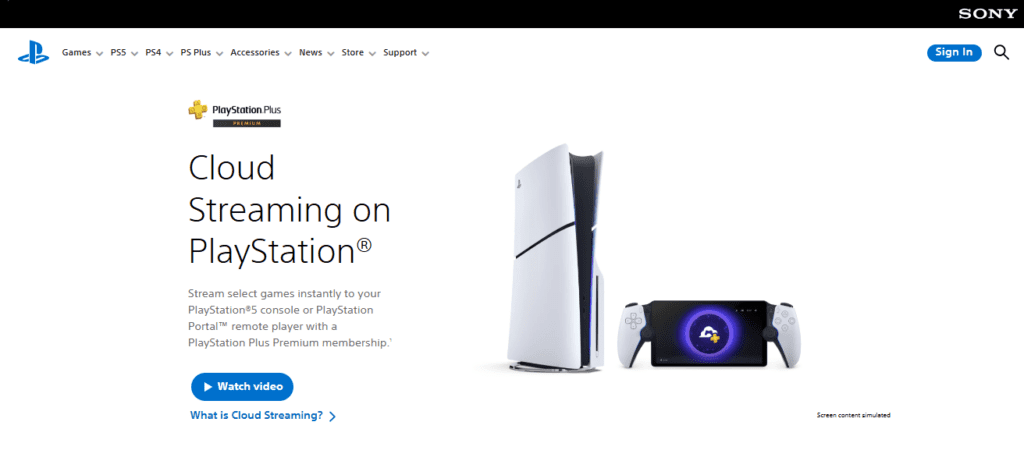
The service is offering hundreds of games from the PlayStation Plus Game Catalog, Classics Catalog, and now also offers saved games and progressed games across devices.
Sony’s ecosystem allows access to low-latency cloud games, and with their infrastructure and optimization for PlayStation games, they provide console-quality games for competitive players.
PlayStation Cloud Streaming Key Features
- Access included in PlayStation Plus Premium
- Play ownership of PS5 and PS4 titles
- Cloud saves & backward compatibility
Main Highlights
- Best for Sony’s first-party titles
- Stream from Portal, consoles, & web (limited)
- Premium streaming quality
PlayStation Cloud Streaming
| Pros | Cons |
|---|---|
| Strong PlayStation exclusives | Only available with PlayStation Plus Premium |
| PS4/PS5 cross-device play | Limited non-Sony ecosystem support |
| Cloud saves | Not available everywhere yet |
| Ready-to-play iconic titles | Frame rates can be capped on some devices |
6. Shadow PC
Rather than functioning like other cloud gaming services, Shadow PC offers you a full high-performance Windows PC in the cloud. You get to install and manage your own games, whether from Steam, Epic Games, GOG, etc.
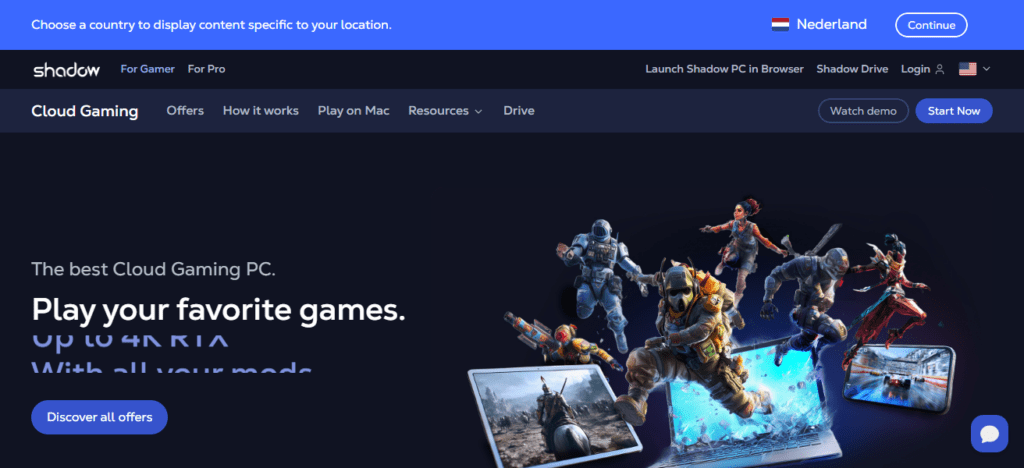
This gives you the freedom of a real gaming machine, complete with powerful GPUs and low latency. It is compatible with Windows, macOS, Linux, Android, iOS, and web browsers, and you can use your peripherals like you would with a local gaming PC.
Because you are in control of the environment, ShadowPro offers competitive gamers the ability to tweak settings and performance to meet specific requirements. This makes ShadowPro particularly appealing to pro gamers.
Shadow PC Key Features
- Access to full remote Windows PC with top-tier GPUs
- Download any games or apps
- Total customization
Main Highlights
- Provides the greatest performance and control
- Ultra-low latency w/strong network
- Stream from any device
Shadow PC
| Pros | Cons |
|---|---|
| Full cloud Windows PC | Priced higher than typical gaming services |
| Install any game or software | Requires tech setup for best performance |
| Ultra-low latency with fast connections | Performance depends on region/server |
| Works on almost all devices | More than just gaming — steep learning curve |
7. Parsec
Parsec is a bit different. It is low-latency cloud streaming software, and unlike other cloud gaming services where you host the games, you stream remote gameplay from your own PC or rented cloud machines to any device of your choice with very little lag.
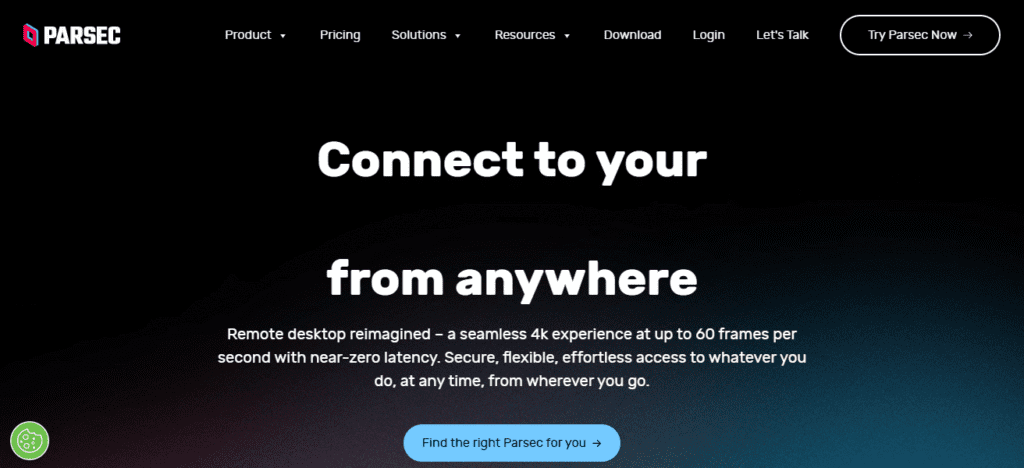
It is compatible with Windows, macOS, Linux, Android, and Raspberry Pi, and is one of the best options for fast-paced games, because it offers ultra-responsive remote play. The game library isn’t standardized; it lets users stream whatever is installed on the host computer.
However, it is particularly loved by competitive gamers and streamers for its outstanding networking and streaming technology. Parsec also supports collaborative and co-op gaming with virtually zero latency.
Parsec Key Features
- Remote streaming for personal & cloud machines
- Low latency streaming
- High refresh rates support
Main Highlights
- Perfect for gamers and video creators
- Stream any game from the source PC on your client device
- Works on Windows, Linux, macOS, Android
Parsec
| Pros | Cons |
|---|---|
| Exceptional low latency | Not a traditional game store |
| Works with personal or rented machines | Requires host PC or cloud machine |
| Ideal for multiplayer & co-op | Setup may be complex for casual users |
| High refresh rate support | Limited standalone library |
8. AirGPU
AirGPU provides users with cloud-based custom Windows PCs with powerful GPUs that can be used for gaming, creative tasks, etc. Using any game or software that you own, you can play and install it on your cloud PC, and access it from Windows, macOS, Linux, Android, and ChromeOS devices with Parsec or Moonlight.
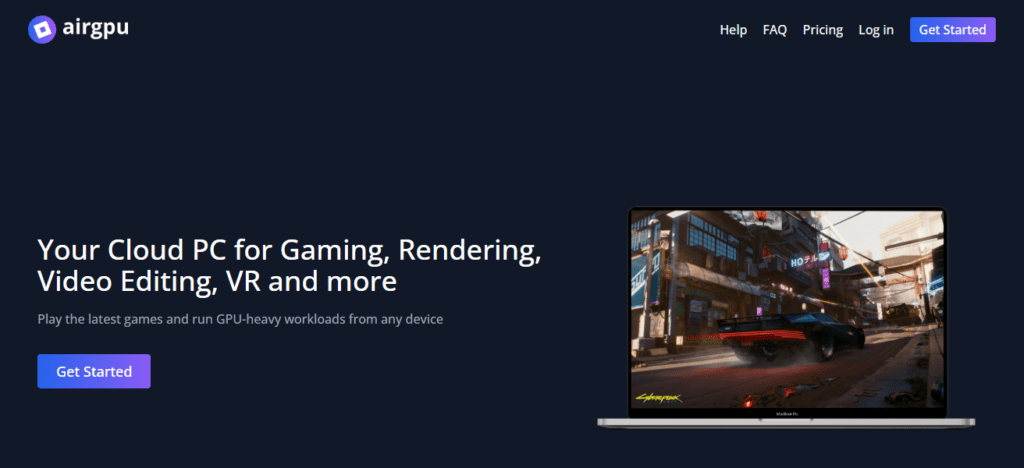
Since it is your personal cloud computer, you can manage the game collection by downloading Steam, Epic Games Launcher, or any other game store, and can adjust the settings to high resolution with ray tracing.
To allow for low latency, AirGPU utilizes its global data centers, which, in combination with high flexibility, makes the service ideal for pro gamers who need tailored performance without having to high-end local hardware.
AirGPU Key Features
- Construct personalized cloud computers with powerful GPUs
- Supports gaming, creative apps, and multi-monitor workflows
- Remote access with Parsec
Main Highlights
- Can install any library/store
- Useful for high-performance setups
- Gaming and productivity are both excellent
AirGPU
| Pros | Cons |
|---|---|
| Custom cloud PCs with high-end GPUs | Costs can add up quickly |
| Install any game/store you own | Latency varies by data center |
| Good for gaming + creative tasks | Not dedicated gaming UI |
| Broad device compatibility | Needs configuration for best play |
9. Blacknut
Blacknut Cloud Gaming has a subscription service that provides a catalog of hundreds of games that users can play without having to make purchases. It offers the service on Windows and macOS home computers, Android phones/tablets, Android TV, and web browsers, providing great flexibility for users across multiple devices.
While Blocknut does not have many AAA titles, its library does contain games from numerous genres, including action, racing, strategy, and family titles, which is updated regularly, even if it is not at the same rate as the competition.
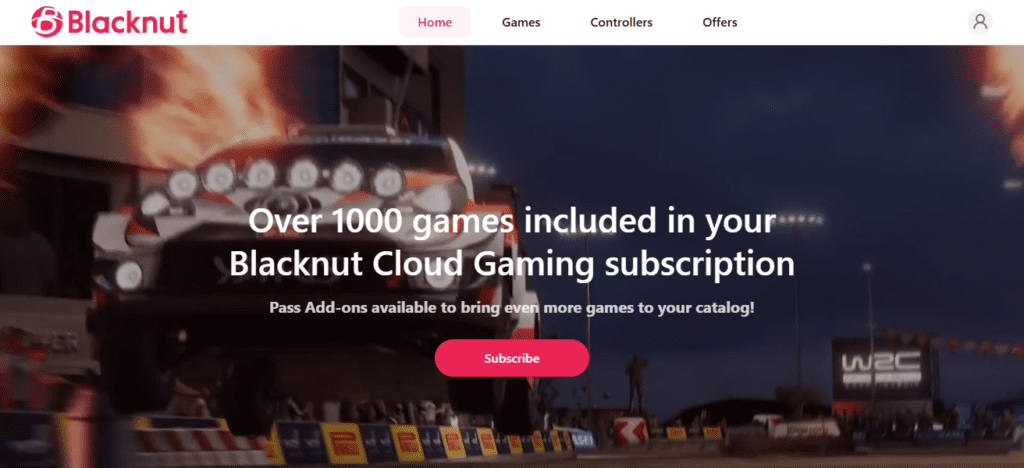
Blacknut excels at offering players a simple and accessible gaming experience, which is why it incorporates one click streaming and full controller support.
If players do not need the highest quality streaming, Blacknut provides great performance at a variety of devices, which is why this platofmr is one of the best options for both casual and competitive gamers. (Blacknut Cloud Gaming)
Blacknut Key Features
- Play 500+ games with a single subscription
- Enjoy games without paying for each title
- Save files on the cloud, and play with friends
Main Highlights
- Cross-platform games with just one click
- Can use on PC, Android, and Android TV
- Consistently good speeds and performance
Blacknut
| Pros | Cons |
|---|---|
| Large subscription library | Fewer AAA blockbusters |
| One-click play without purchases | Not ideal for high-FPS competitive games |
| Works on multiple devices | Game updates limited by service |
| Family-friendly titles | Latency not top tier |
10. Antstream Arcade
While Antstream Arcade is not focused on modern AAA titles, it does have low-latency stremaing which, combined with its massive library of retro titles, makes it great for game competitions, leaderboards, and community challenges.
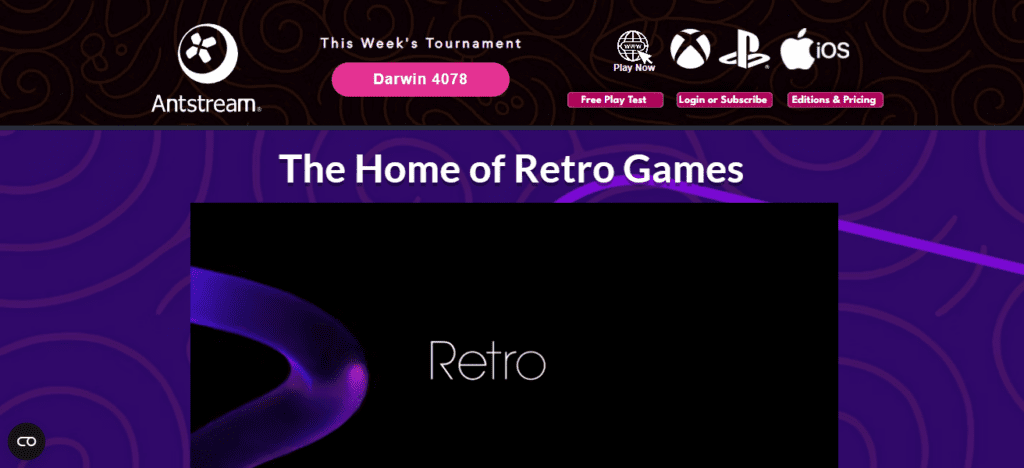
Antstream Arcade offers sadness that part of their games come from indie developers. There is also a retro esports experience.
Antstream Arcade runs on PC, Mac, Linux, Android, Android TV, Fire TV, Samsung TV, and consoles like Xbox and PlayStation and web browsers. It allows users to play more than **1,400 licensed titles **at the same time.
Antstream Arcade Key Features
- Over 1,300 retro and classic title games
- Challenges and leaderboards for competitive play
- Profile sync and saves on the cloud
Main Highlights
- Low latency to play retro esports at the best performance
- Compatible with consoles, PC, mobile, and TV
- Excellent for competitive gaming on retro titles
Antstream Arcade
| Pros | Cons |
|---|---|
| Massive retro catalog | Not for modern AAA gaming |
| Low-latency classic play | Limited competitive appeal for modern titles |
| Supports consoles, PC, mobile, TVs | Games mostly older/nostalgic |
| Leaderboards & challenges | Smaller community than big cloud services |
Key Evaluation Criteria for Low-Latency Cloud Gaming
Server Location & Coverage The more data center locations, the lower the latency. Competetive gamers experience less lag and more smooth play when they have global coverage to reach more servers.
Input Lag & Response Time Professional gamers demand services that have no processing delay so that they can have accurate responses to all actions taken. Services always strive to eliminate lag.
Frame Rate & Refresh Rate Support Services that provide refresh rates and frame rates that are higher than 60 fps provide the best clarity and the most responsive visuals to their competitve gamers.
Streaming Technology & Codecs Newer streaming technologies like adaptive bitrate streaming and the codec AV1 are more responsive and provide better visuals during moments of rapid action, decreasing the lag caused by compression.
Network Stability & Bandwidth Efficiency Smart bandwidth allocation, when combined with a stable network, shields the player from frame drops, lag, stutters, and delays in actions during chaotic multiplayer gaming experiences.
Device & Platform Compatibility Services allowing play on multiple devices (TVs, handheld consoles, or computers) without the sacrifice of latency or performance consistency help gamers to train on multiple devices.
Game Library & Competitive Titles A robust library featuring esports-focused titles is essential to keep cloud services relevant to pros and competitives across all genres.
Peripheral & Controller Support Seamless implementation of all types of input devices — including controllers, keyboards, mice, and other esports peripherals — is necessary to provide input accuracy, which is crucial in FPS, MOBA, and fighting games.
Subscription Tier & Performance Priority Typically, higher subscription tiers come with priority access to servers, improved hardware, and lesser wait times which in turn affects speed and overall competitive gameplay.
Regional Availability & Scalability Services should be able to scale in all regions to meet peak demand and ensure professional players have access to low latency no matter where they are.
Future of Low-Latency Cloud Gaming
Expansion of Edge Computing Edge data centers geographically situated with gamers reduce distance, lowering ping to provide cloud gaming with competitive input-response.
5G and Future Wireless Technology The 5G rollout and subsequent 6G networks will provide the speed and jitter stability required to make mobile cloud gaming competition a reality at the professional esports level.
AI-Powered Latency Resolution Artificial intelligence will adjust to congestion on the network, modify stream parameters, and eliminate input lag to reduce the effects of stream performance deterioration on players.
Innovative Streaming Codecs Codecs post-AV1 will easily improve compression to provide clearer images at a higher rate with a decrease in lag, added frames, and fewer data dollars spent.
Enhanced Frame Rate Streaming Gamers will note the competitive advantage of local hardware with increased motion clarity and more responsive control through the cloud at 240 frames and higher.
Cross-Platform Competitive Ecosystems Players will experience competitive equality with proprietary synchronized performance tiers across PC, console, and cloud mobile gaming in integrated cloud environments.
Esports Infrastructure That Is Cloud-Native With the adoption of cloud-native servers for tournaments, esports leagues can compete globally with little to no latency and standardized competitive conditions.
Virtualization of Cloud Hardware Better GPU and CPU virtualization will lessen processing overhead. As a result, cloud systems will have faster and consistent performance for each gaming session.
Performance Profiles That Are Personalized Cloud systems will allow customizable profiles for latency, resolution, and inputs so that players have the competitive advantage that personally tailored latency, resolution, and inputs so that players have the competitive advantage that personally tailored to the performance and network conditions.
Accessibility of Cloud Gaming for Professional Play With a high-performance cloud system, talented players can compete at a professional level. Cloud gaming reduces the hardware needed to compete.
Conclusion
In most cases, cloud gaming is no longer a mere convenience. It is a fully-fledged competitive gaming platform, especially with high-speed internet access. For pro players, the best option varies with priorities: If it is performance, then GeForce NOW; If it is library depth, then Xbox Cloud; If it is most control and least latency, then Shadow/Parsec.
Cloud gaming is on a steady path of closing the gap with local hardware due to advancements in edge computing and networking technologies. It will make professional-level cloud gaming more mainstream.
FAQ
Low latency is typically under 40 ms for competitive play. For fast FPS and fighting games, 20–30 ms is ideal. Latency above 60 ms may cause noticeable input delay and reduce performance.
Services like NVIDIA GeForce NOW, Shadow PC, and Parsec consistently rank among the lowest latency options due to powerful cloud GPUs, optimized streaming, and edge-server proximity.
NVIDIA GeForce NOW and Shadow PC offer the highest frame rate support, with many users achieving 120–240 FPS depending on tier and internet quality. Higher FPS significantly improves responsiveness in pro play.
Xbox Cloud Gaming (Game Pass) has one of the largest libraries, with hundreds of AAA titles, including first-party exclusives. GeForce NOW also supports thousands of games you already own across Steam and Epic.
Most leading services support Windows, macOS, Android, iOS (browser), and smart TVs. GeForce NOW and Xbox Cloud Gaming offer the widest device support, while Shadow PC and Parsec support more advanced peripherals.